Christmas and New Year Savings!
Get 25% discount on Master Voyager until January 10, 2013.
Home > Support > Online Help Manual > How to use Master Voyager > Changing Interface Language
Master Voyager is designed as multi-lingual software.
It is not only possible to change the language of main program - Master Voyager, but it also possible to change the language of auto play modules (these modules are added to every protected cd/pendrive). So, the recipient of the protected media can launch it and see the welcome password screen in own native language.
It is very simple to change the language of the interface.
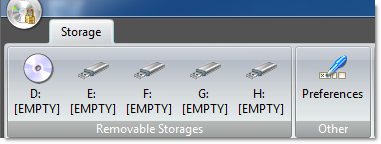
Just click Preferences button on main toolbar:
In the following window it is possible to set the language independently for main program and autoplay modules on encrypted CDs/USB Flash Drives.
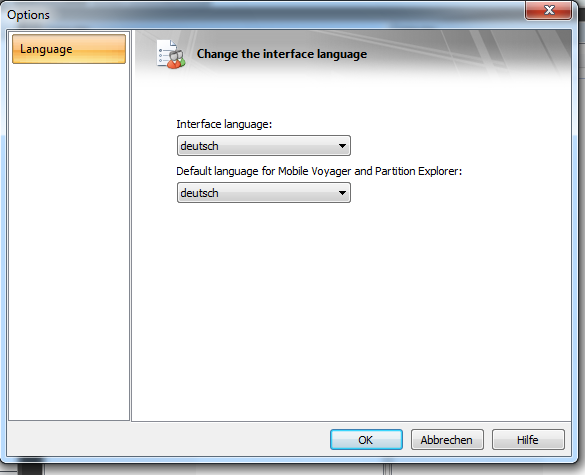
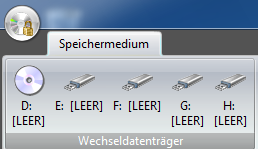
Press OK button and restart program.
Christmas and New Year Savings!
Get 25% discount on Master Voyager until January 10, 2013.
Self Defence Package
3 product bundle (CD Encryption + USB Encryption + File Encryption + Drive Encryption) at a special price
Subscribe to our Newsletter.
Get notified about new products releases, new significant updates of existing products. Be first to know about short season's discounts and special offers.
Master Voyager Home Edition 3.35
November 13, 2016
Improved compatibility with Windows 10.
Master Voyager Home Edition 3.32
January 11, 2015
Fixed incompatibility problem of the licensing system with the 2016 year.
Master Voyager Home Edition 3.31
November 10, 2014